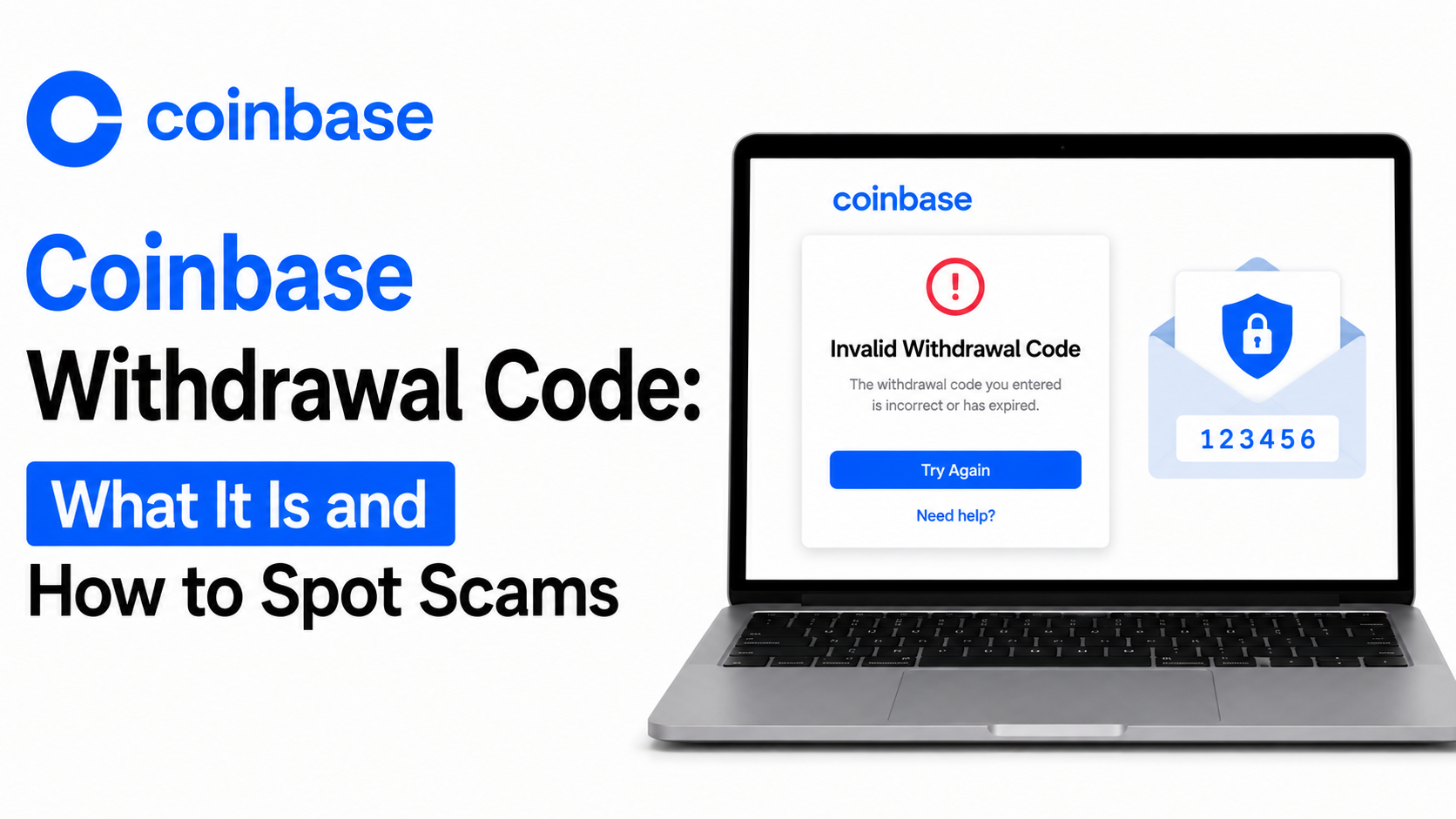
A text about a coinbase withdrawal code can feel alarming. It often arrives with a code, a phone number, and a warning. Not every unexpected message is fraudulent, but many are.
Coinbase does not officially use the term “withdrawal code.” That phrase is absent from Coinbase’s Help Center and security documentation. The phrase mostly appears in scam texts and in articles written about those scams.
What people usually mean is one of a few things. It could be a 2-step verification (2FA) code sent during sign-in. It could be a code included in a phishing text designed to look official and It is rarely a real, Coinbase-issued withdrawal confirmation number.
Coinbase does use legitimate 2-step verification codes. These confirm your identity during sign-in or certain account changes. They are not the same thing as the “withdrawal code” scammers reference.
Why Did I Receive a Coinbase Verification Code Text?
Coinbase sends 2-step verification codes for specific, account-initiated actions. Text message (SMS) is one available 2FA method, though Coinbase notes it is the least secure option.
You may receive a legitimate code when you:
- Sign in from a new device or browser
- Set up or change your 2-step verification settings
- Recover account access
- Complete certain security-sensitive changes
A code should only arrive after you take one of these actions yourself. A code you did not trigger is a signal to slow down and investigate.
What Does a Legitimate Coinbase Verification Code Text Look Like?
There is no foolproof way to judge a message by appearance alone. Scammers copy formatting, logos, and tone convincingly. Message appearance cannot confirm authenticity on its own.
Instead, judge the message by context. Did you just try to sign in or change a setting? A code may be expected when the answer is yes. Treat the message as suspicious when the answer is no.
The safest step is always the same. Open the Coinbase app or website directly, without using any link from the text. Check your account activity from there.
Coinbase Withdrawal Code Scam: How Does It Work?
The coinbase withdrawal code scam is a phishing tactic. It uses a fake alert about an unauthorized withdrawal to create panic. The message usually includes a code and a phone number to “cancel” the withdrawal.
Coinbase has stated it does not send texts to verify transactions. That single fact undercuts the entire premise of this scam.
The scam generally follows a pattern:
- A text claims a withdrawal was requested
- It includes a code that looks official
- It provides a number to call if you did not authorize it
- Calling connects you to a scammer posing as support
- The scammer asks for your 2FA code, password, or seed phrase
- Some scammers push you to move funds to a “secure wallet” they control
Coinbase has confirmed that employees never ask for passwords, 2FA codes, or private keys. Anyone requesting these by phone or text is not a genuine Coinbase representative.
How to Recognize a Coinbase Withdrawal Code Scam Text
Watch for these common warning signs:
- An unexpected withdrawal claim you did not initiate
- Urgent or threatening language
- A request to call an unfamiliar phone number
- A request to share a verification code
- A link that does not lead to coinbase.com
- A request for your password or recovery phrase
- Pressure to act within minutes
No single sign always proves fraud on its own. Together, though, these patterns describe most scam texts. When in doubt, verify independently through the official app.
What Should You Do After Receiving an Unexpected Coinbase Code?
-
Do Not Share the Code
Never give your verification code to anyone. Coinbase will never call or text asking for it.
-
Do Not Click Suspicious Links
Avoid tapping links inside the message. Open the Coinbase app or type coinbase.com directly instead.
-
Check Your Coinbase Account
Sign in through the official app or site. Look for any sign-in alerts or setting changes.
-
Review Recent Transactions
Scan your transaction history for anything unfamiliar. Confirm every withdrawal or transfer was one you made.
-
Secure Your Account
Change your password right away when anything looks off. Use a strong, unique password you have not reused elsewhere.
-
Change Your Password When Necessary
A password change is worthwhile after any suspected phishing attempt. Do this even if you are only mildly unsure.
-
Review Two-Factor Authentication
Check which 2FA methods are active on your account. Consider adding an authenticator app or security key for stronger protection.
-
Contact Official Coinbase Support
Start only from the official Coinbase app or website. Never use a number provided inside a text message.
-
Report Suspicious Messages
Forward phishing texts to 7726 (SPAM) if your carrier supports it. Email a screenshot to security@coinbase.com as well.
What If You Receive a Coinbase Code Without Requesting One?
An unrequested code does not automatically mean your account is hacked. It may mean someone tried to sign in using your phone number or email. It could also be a mistaken code sent to the wrong number, though this is less common than phishing.
Either way, treat it as a prompt to check your account. Sign in directly and review recent activity and sign-in history. Change your password as a precaution, even when everything looks normal.
What If a Coinbase Text Says Someone Requested a Withdrawal?
Do not use any link or phone number from the message itself. Open the official Coinbase app on your device instead. Review your transaction history for any withdrawal you did not authorize.
Contact Coinbase support directly through the app when you find an unauthorized transaction. Use only the in-app help or the official website. Report the phishing text separately to security@coinbase.com.
Can Someone Withdraw Coinbase Funds With a Verification Code?
A single verification code alone typically will not empty an account on its own. However, codes combined with a password can grant meaningful account access. That combination is exactly what scammers are trying to collect.
Treat every authentication code as sensitive information. Never share it with anyone, including someone claiming to work for Coinbase. Legitimate representatives will never ask you for it.
Does Coinbase Ask for Verification Codes by Phone?
No. Coinbase has stated that employees will never ask for your password, 2FA codes, or private keys. This applies to phone calls, texts, and emails alike.
Impersonation scammers frequently pose as Coinbase support by phone. They may sound professional and reference real account details to build trust. Hang up and contact Coinbase only through official channels if this happens.
This post does not include a Coinbase phone number. Verified contact options are only available inside the official app or website.
“Withdrawal Code” vs Verification Code: What’s the Difference?
These terms get confused often, so a quick comparison helps.
- “Withdrawal code” is not official Coinbase terminology
- “Verification code” refers to real 2-step authentication codes
- Legitimate codes only follow an action you took yourself
- Scam messages use the word “withdrawal” to create urgency
- Real Coinbase alerts do not ask you to call a number
Understanding this distinction helps you judge future messages more confidently.
What Information Should You Never Share?
Certain information should never leave your control, regardless of who asks.
- Password – grants direct account access
- 2-step verification code – confirms your identity during sign-in
- Recovery phrase – restores an entire crypto wallet
- Seed phrase – functions the same as a recovery phrase
- Private key – provides full control over associated funds
No legitimate Coinbase employee will ever request any of these.
What to Do If You Already Shared a Coinbase Verification Code
Act quickly, but there is no need to panic. Sign in to your account through the official app right away. Change your password immediately if you can still access your account.
Next, review your active sessions and connected devices. Log out of anything unfamiliar. Check your recent transaction history for unauthorized activity.
Contact Coinbase Customer Service directly through official channels for further guidance. Sharing a code does not always mean funds were taken. Acting fast significantly improves your chances of limiting any damage.
What to Do If You Clicked a Suspicious Coinbase Link
Close the page immediately without entering any information. Change your password right away if it was already entered. Avoid entering any additional details on that page.
Review your Coinbase account for unfamiliar sign-ins or setting changes. Update your two-factor authentication method if needed. Contact official Coinbase support if anything looks unusual.
How to Protect Your Coinbase Account From Text Scams
A few habits meaningfully reduce your risk over time.
- Use a strong, unique password for your Coinbase account
- Add an authenticator app or security key for 2FA
- Keep your email account secure with its own strong password
- Keep your phone and apps updated
- Only download the official Coinbase app from trusted app stores
- Avoid clicking links inside unsolicited texts or emails
- Check URLs carefully before entering any credentials
- Monitor your account activity regularly
- Learn to recognize common impersonation tactics
No single measure guarantees complete protection. Layering several habits together offers the strongest defense.
Common Coinbase Scam Red Flags
- Urgent, fear-based language demanding immediate action
- A request to call a number included in the message
- A request for your password, code, or recovery phrase
- Links that do not lead to coinbase.com
- Claims that your account will close within minutes
- Pressure to move funds to a different wallet
The Bottom Line
That withdrawal code text is not official Coinbase terminology. In most cases, it points to either a real 2-step verification code or a phishing attempt using similar language. Coinbase does not send texts to verify transactions, and it never asks for your password, 2FA code, or recovery phrase.
One habit protects you best: verify everything directly through the official app. Ignore links, codes, and phone numbers inside unsolicited messages. Check your account yourself when something feels off, rather than reacting to the message. That single habit blocks nearly every version of this scam.
Frequently Asked Questions
What does “withdrawal code” mean for Coinbase users?
It is not an official Coinbase term. It usually refers to a 2FA code or a phishing text designed to look official.
Why did Coinbase send me a verification code?
Legitimate codes follow an action you took, like signing in. An unexpected code may signal an attempted login or a scam text.
Is a Coinbase verification code text legitimate?
It depends on context. The message is likely genuine when you triggered the action yourself. Verify through the app directly whenever that isn’t the case.
What is a Coinbase withdrawal code scam?
It is a phishing text claiming an unauthorized withdrawal is in progress. It pressures you to call a fake number or share a code.
How can I identify a Coinbase withdrawal code scam text?
Look for urgency, an unfamiliar phone number, and requests for codes or passwords. Genuine Coinbase alerts never ask you to call a number.
Why did I receive a Coinbase code without requesting one?
Someone may have tried signing in with your information. It could also be a phishing attempt. Check your account directly either way.
Can someone access Coinbase with my verification code?
A code combined with your password can grant real access. Never share your code with anyone, no exceptions.
Does Coinbase call users about suspicious withdrawals?
No. Coinbase does not initiate calls asking you to confirm or cancel withdrawals. Treat such calls as impersonation attempts.
What should I do after receiving a suspicious Coinbase text?
Do not click any links or call the listed number. Check your account directly through the official app instead.
What happens if I shared my Coinbase verification code?
Change your password immediately and review your account activity. Contact Coinbase support through official channels for further help.
Should I click a Coinbase verification link in a text?
No. Always access Coinbase through the official app or by typing the URL yourself.
How do I report a Coinbase scam text?
Forward it to 7726 (SPAM) through your carrier. Email a screenshot to security@coinbase.com as well.