
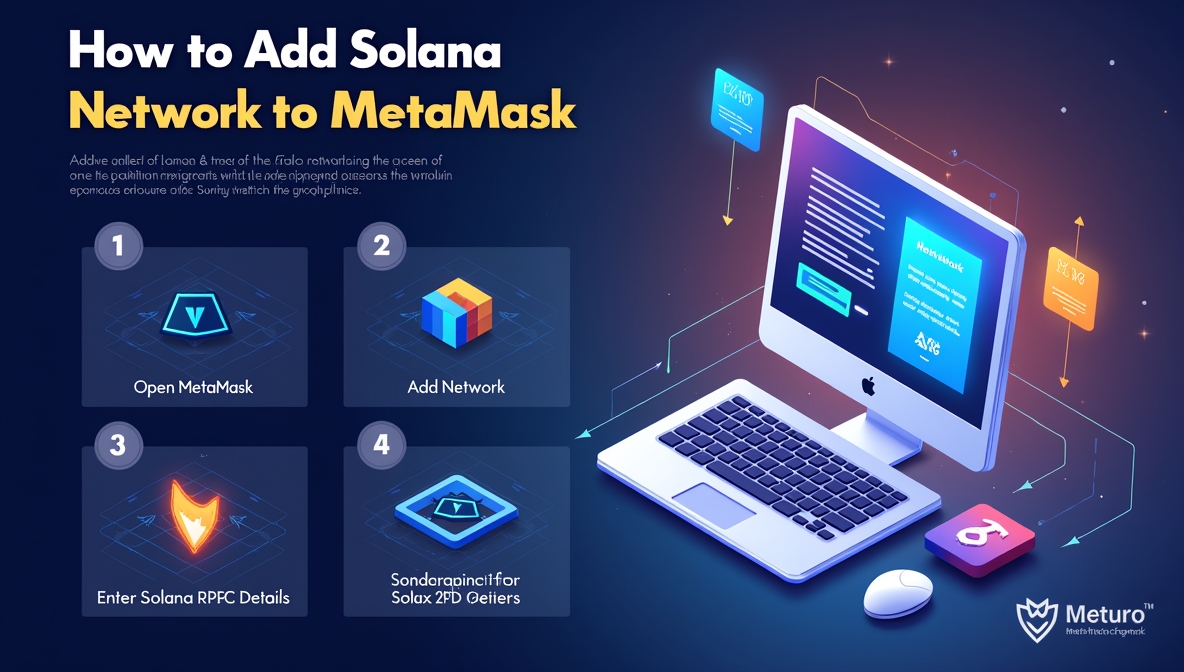
The announcement that MetaMask, one of the world’s most trusted crypto wallets, now supports Solana marks a revolutionary step toward multichain functionality. For years, MetaMask has been an Ethereum-focused wallet catering to EVM (Ethereum Virtual Machine) networks like BNB Chain, Polygon, and Avalanche. Starting July 8, 2025, MetaMask officially introduced native Solana support, making it easier for users to manage multiple blockchain assets under one roof and learn how to add Solana to MetaMask quickly and securely.
Know the Solana MetaMask Integration
Before Solana’s addition, MetaMask primarily worked with Ethereum-compatible chains. Users needed separate wallets like Phantom or Solflare to manage Solana-based tokens (SOL and SPL tokens). The recent integration changes that entirely.
With this update, you can create a Solana wallet, import an existing Solana account, or connect to Solana decentralized applications (dApps) all within MetaMask. This integration allows users to manage crypto seamlessly, sending, receiving, and swapping across networks without switching wallets.
Does MetaMask Support Solana?
The question, does MetaMask support Solana, has been one of the most searched queries in the crypto community for years. Before 2025, the answer was no. MetaMask could only manage Ethereum and EVM-based networks.
Now, as part of its expansion plan, MetaMask has introduced native Solana compatibility. This means Solana operates directly within MetaMask, no longer requiring third-party extensions or unofficial configurations. Users can access Solana tokens, connect to Solana dApps, and conduct swaps through the same interface they use for Ethereum and other networks.
How to Add Solana to MetaMask
Adding Solana network support to MetaMask is a straightforward process. Here’s how to add solana to metamask:
- Open MetaMask Browser Extension or App
Launch your MetaMask wallet. Ensure your app is updated to the latest version, as Solana support is available only from the July 2025 release onward.
- Create New Solana Wallet
- Click your account icon in the upper-left corner.
- Select “Add account or wallet.”
- Choose “+ Solana Account.”
MetaMask will automatically create a fresh wallet for the Solana blockchain.
- Import Existing Solana Wallet
If you already have a Solana wallet from another platform:
- Under Add Account, select either Secret Recovery Phrase or Private Key.
- Enter your Solana wallet credentials.
- MetaMask will import all associated Solana accounts.
Once imported, your Solana wallet appears alongside your Ethereum and EVM accounts. You can now send or receive tokens directly from MetaMask using the Solana network.
These steps clearly illustrate how to add Solana network to MetaMask and make your account ready for Solana-based transactions.
Solana Network MetaMask Setup: Step-by-Step
After adding or importing your Solana wallet, MetaMask will automatically configure the required Solana RPC URL for MetaMask. RPC URLs (Remote Procedure Call endpoints) connect your wallet to the blockchain. MetaMask manages this automatically with official RPC partners for fast and secure transactions.
If you wish to customize your connection or use an alternate RPC, you can do so under the Solana Network Settings tab in your MetaMask extension. This flexibility is useful for developers or users who want to test different transaction speeds or regional nodes.
How to Add Solana Network to MetaMask Manually (Optional)
While native integration handles most settings by default, power users might prefer to configure it manually. Here’s how to add Solana network to MetaMask manually:
- Open MetaMask and click Settings → Networks → Add Network.
- Select Solana Network from the list or “Custom Network.”
- Input custom details such as:
- Network Name: Solana Mainnet
- RPC URL: The official or third-party Solana RPC endpoint
- Currency Symbol: SOL
- Block Explorer URL: https://explorer.solana.com
Click Save, and your Solana network should now appear within MetaMask’s network list. That’s how to add Solana network to MetaMask manually.
Interacting with Solana dApps on MetaMask
The integration is not limited to token transfers. You can also connect your wallet directly to Solana decentralized applications (dApps).
- Go to the Solana dApp Website: Visit your chosen Solana-powered platform like Raydium, Jupiter, or Magic Eden.
- Connect Wallet: Select Connect Wallet on the dApp and choose “MetaMask Wallet” (not Solana Snap).
- Approve Connection Request: A MetaMask popup will appear. Click Approve to authorize the dApp.
- Interact Securely: After connecting, you can trade, stake, or swap tokens. Each transaction request will prompt a confirmation in MetaMask.
This process shows how simple it is to use Solana dApps with MetaMask’s Solana network integration, removing the need for multiple wallets.
How to Add Different Blockchains to MetaMask
Alongside Solana, MetaMask has made it easier than ever to become a truly multichain wallet. Users can switch between blockchains like Ethereum, Arbitrum, Polygon, Base, Avalanche, and now Solana under a single interface.
Here’s how to add different blockchains to MetaMask:
- Go to Settings → Networks → Add Network.
- Choose from available pre-listed networks or input custom details such as network name, RPC URL, currency symbol, and block explorer link.
- Save changes to make the new blockchain available instantly.
This allows you to manage Solana, Ethereum, and other networks together, offering an all-in-one crypto experience without migrating wallets or using multiple browser extensions.
Notable Features of MetaMask’s Solana Wallet
MetaMask’s Solana update introduces several powerful features that empower both new and advanced users.
- Multichain Support
The integration of Solana marks MetaMask’s first non-EVM network. Future plans include adding Bitcoin, further emphasizing MetaMask’s expansion into a universal multichain platform.
With Solana now active, MetaMask users can seamlessly swap and manage assets between:
- Solana
- Ethereum
- Layer-2 networks (e.g., Base, Arbitrum)
- Other EVM chains (BNB Chain, Avalanche, Sei)
For traders and investors, this simplifies portfolio management, eliminating the need to move assets between wallets or exchanges.
- Security Enhancements
The wallet’s robust security layer extends to Solana accounts too:
- Real-Time Alerts: Custom notifications for incoming transactions and updates.
- Malicious dApp Detection: Developed in partnership with Blockaid, this feature protects against fraudulent and exploited applications by scanning connections before approval.
- Password and Biometric Protection: Biometric login and transaction signing keep your accounts secure.
- Transaction Simulations: MetaMask previews what will happen before confirming a transaction, helping users avoid scams or wallet-draining attempts.
These protections make MetaMask one of the safest environments for managing Solana tokens.
- Gas-Included Swaps
One standout feature for Solana users is Gas-Included Swaps.
If your account lacks enough SOL to cover transaction fees, MetaMask automatically calculates the required gas and deducts it from your swap amount. This ensures transactions never fail due to insufficient gas, making DeFi activities on Solana smoother.
Benefits of Using Solana MetaMask
Unified Management: Handle Ethereum, EVM, and Solana assets side-by-side.
- Fast Transactions: Leverage Solana’s high throughput directly from MetaMask.
- Simple Interface: The same easy-to-use dashboard you already know.
- Seamless Swaps: Native bridging and swapping between Solana and EVM chains.
- Enhanced Security: Advanced protection powered by MetaMask and Blockaid partnership.
- Future Integration: Bitcoin and other blockchains coming soon for full multichain access.
This makes adding the Solana network MetaMask combo one of the best upgrades for decentralized finance users globally.
Troubleshooting: Common Issues When Adding Solana to MetaMask
While the process to add Solana to MetaMask is generally smooth, you might encounter minor issues, especially after the first-time setup. Here are a few quick fixes:
- Outdated MetaMask Version: Check your wallet version; older releases don’t support Solana.
- Incorrect RPC URL: If you manually add a custom RPC, ensure you use a verified Solana RPC URL for MetaMask.
- Wallet Connection Fails on dApp: Clear browser cache and verify wallet permissions; reconnect again.
- Hidden Balances: If your Solana tokens don’t appear instantly, click Refresh or toggle between accounts.
Why Solana Integration Matters
Solana’s adoption within MetaMask is not just a technical improvement, it represents a productivity shift for the entire blockchain ecosystem.
By bridging EVM and non-EVM networks, MetaMask simplifies the multi-chain experience for developers, traders, and investors alike. You can now:
- Swap between SOL and ETH or other tokens seamlessly.
- Move liquidity faster across DeFi platforms.
- Interact with multiple blockchains from a single trusted wallet.
Such interoperability strengthens blockchain networks as a whole, creating a truly connected Web3 economy.
The fusion of Solana MetaMask functionality is a landmark event for the crypto world. By providing native Solana support, MetaMask has officially evolved from an Ethereum-focused wallet to a fully multichain powerhouse.
Recommended Post
solana address
fractal bitcoin